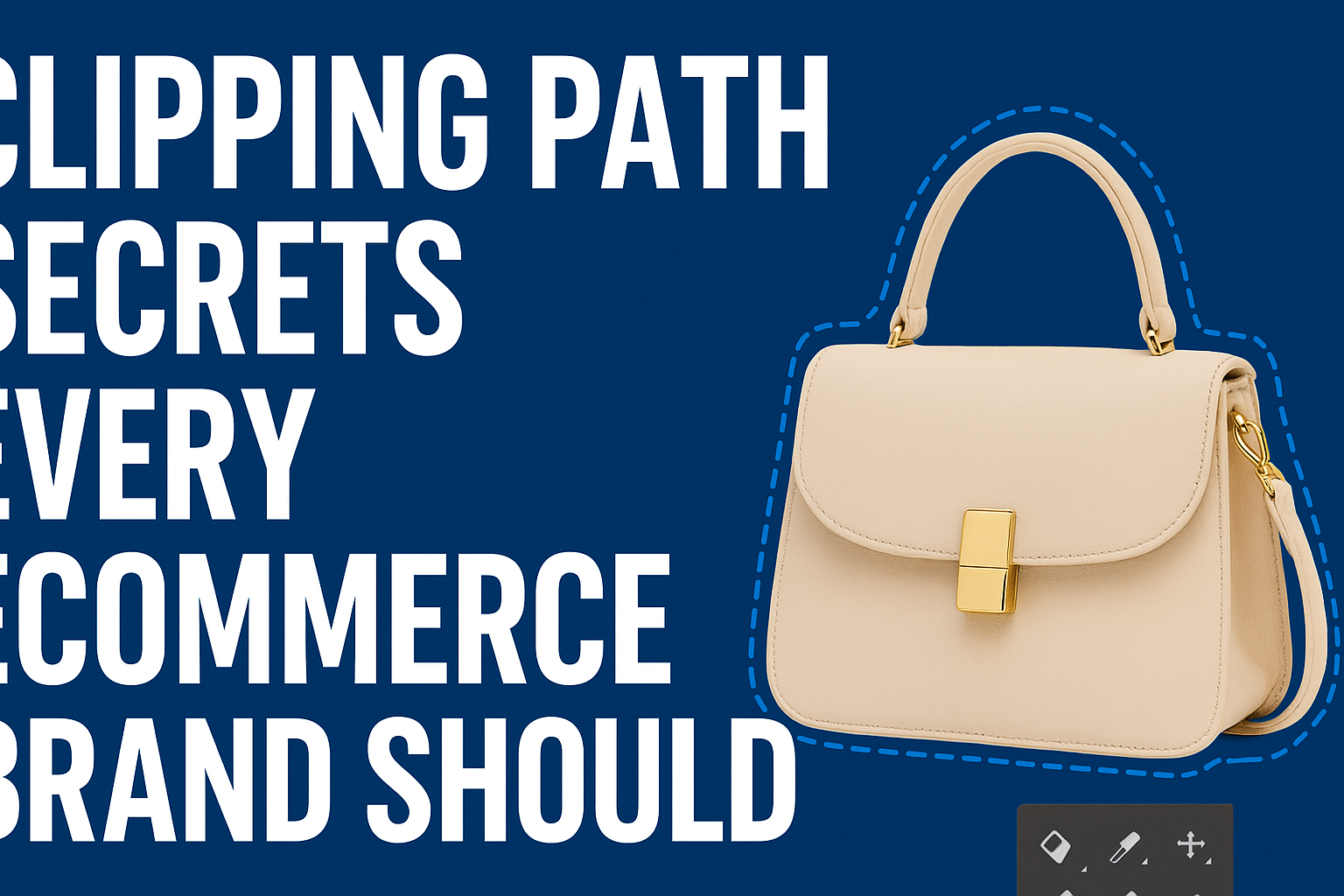
In today’s hyper-competitive digital marketplace, visual presentation defines sales success. The difference between an average eCommerce store and a top-performing one often lies in how products look online. That’s where clipping path services come in — the secret weapon behind clean, professional, and conversion-driven product images.
This post reveals insider clipping path secrets that every eCommerce brand should know to attract customers, reduce bounce rates, and improve sales conversions.
What Is a Clipping Path and Why Does It Matter?
A clipping path is a precise outline created around an object in an image using a photo editing tool like Adobe Photoshop’s Pen Tool. It allows editors to isolate the subject from its background, enabling total control over how it’s displayed — from background replacement to creating transparent or customized visuals.
Why eCommerce Brands Rely on Clipping Paths
-
Clean, distraction-free product presentation
-
Uniform image background across multiple product photos
-
Faster page loading due to optimized images
-
Higher conversion rates, since professional images build trust
-
Improved brand identity through consistent visuals
For platforms like Amazon, Shopify, and WooCommerce, clipped and edited product images meet quality guidelines and attract more clicks.
Secret #1: Manual Clipping Always Beats Automatic Tools
While there are plenty of AI-based background removal tools, manual clipping path editing remains the gold standard.
Why?
Automatic tools often struggle with:
-
Complex edges like hair, jewelry, or glass
-
Fine details and product transparency
-
Color fringing or uneven edges
Manual clipping, done by a skilled editor, ensures pixel-perfect precision and smoother outlines — exactly what your eCommerce images need for a professional finish.
Pro Tip: For complex objects (e.g., fur, fabric, or transparent packaging), combine clipping paths with layer masking to maintain edge detail while keeping the background clean.
Secret #2: Consistency Is the Key to Brand Identity
Nothing ruins an online store faster than inconsistent images — different lighting, angles, or backgrounds across your catalog can make your store look unprofessional.
The Solution:
Use the clipping path technique to create standardized backgrounds and lighting tones for all your products.
Checklist for consistency:
-
Always use a white or light gray background (most eCommerce platforms prefer this).
-
Maintain the same shadow intensity for all images.
-
Match image dimensions and margins.
-
Use uniform color correction to keep your catalog cohesive.
A consistent visual identity doesn’t just look better — it strengthens brand trust and makes product comparison easier for buyers.
Secret #3: Natural Shadows and Reflections Boost Realism
Many beginners remove shadows entirely, resulting in flat, unrealistic images. Professionals know that shadows sell realism.
Types of Shadows to Use:
-
Drop Shadow – Adds subtle depth beneath the product.
-
Natural Shadow – Retains the object’s original shadow from the photo.
-
Reflection Shadow – Creates a mirror-like reflection below the product, perfect for luxury items.
Adding or enhancing shadows after a clipping path edit helps products appear grounded and three-dimensional, increasing their visual appeal on eCommerce pages.
Secret #4: Combine Clipping Paths with Other Editing Techniques
For next-level product images, clipping paths are often just the starting point. Combine them with these advanced techniques:
-
Image Masking – To refine hair, fur, or transparent surfaces.
-
Color Correction – To fix inconsistent tones or lighting issues.
-
Retouching – To remove dust, scratches, or reflections from shiny objects.
-
Multi-Clipping Paths – To isolate and recolor individual product parts (great for showing product variations).
For example, a jewelry brand might use multi-clipping paths to show the same ring in gold, silver, and rose gold — all from a single image.
Secret #5: Optimize for Web and SEO Performance
Even perfectly edited images can hurt your performance if they’re not optimized for speed and search visibility.
Best Practices for Optimization
-
File Format: Use JPEG for photos, PNG for transparent backgrounds, and WebP for modern browsers.
-
Compression: Reduce file size without losing quality using tools like TinyPNG or Photoshop’s “Save for Web.”
-
Image Naming: Name files descriptively, e.g., white-leather-handbag.jpg instead of IMG1234.jpg.
-
Alt Text: Use SEO-friendly alt descriptions like “Women’s white leather handbag with gold strap.”
Fast-loading, keyword-optimized images help your site rank higher in search results and convert more visitors into buyers.
Secret #6: Batch Editing Saves Time and Budget
If you’re handling hundreds of product photos weekly, manual editing can become overwhelming. This is where batch processing and Photoshop Actions shine.
Set up a workflow to:
-
Automatically apply consistent clipping paths.
-
Add uniform shadows.
-
Adjust brightness and contrast.
-
Export images in multiple formats.
Batch editing streamlines production, reduces turnaround time, and ensures every image aligns with your visual standard — a must for growing eCommerce brands.
Secret #7: Always Keep a Non-Destructive Workflow
Professional retouchers always work non-destructively, meaning edits never damage the original file.
Techniques to Follow:
-
Duplicate your original image layer before starting.
-
Use Layer Masks instead of erasing.
-
Save working files in PSD or TIFF format before final export.
-
Maintain versioned backups of your final exports.
This ensures you can revisit, revise, or re-export your edits for future use — especially important when clients request adjustments.
Secret #8: Outsourcing Clipping Path Services the Smart Way
Many eCommerce brands outsource their clipping path work to professional retouching agencies or freelancers — saving both time and cost.
When outsourcing, look for:
-
Manual editing expertise (avoid AI-only services).
-
Quality control process for accuracy.
-
Turnaround speed for bulk projects.
-
Secure file handling and NDAs for privacy.
Working with reliable editors (or hiring them on platforms like Fiverr or Upwork) can ensure your images stay consistent while you focus on business growth.
Secret #9: Tailor Clipping Paths for Different Platforms
Every eCommerce platform has its own image requirements.
| Platform | Preferred Background | Image Size | Notes |
|---|---|---|---|
| Amazon | Pure white (RGB 255,255,255) | At least 1000 px on longest side | Must fill 85% of frame |
| Shopify | White or light gray | 2048 × 2048 px | Square ratio recommended |
| Etsy | Neutral or lifestyle | 2000 px width | Allows light creative backgrounds |
| eBay | Pure white | 1600 × 1600 px | Avoid shadows too harsh |
Tailoring your clipping path output ensures compliance with platform guidelines and maximized visibility.
Secret #10: Quality Assurance Is Non-Negotiable
Before uploading, always inspect your images:
-
Zoom to 100% to check edges.
-
Ensure shadows and lighting look natural.
-
Verify background color uniformity.
-
Confirm file format and resolution.
Quality control guarantees your visuals reflect the professional standard your brand promises.
Conclusion
Clipping path services are more than just background removal — they’re a powerful visual branding tool. When used strategically, they:
-
Enhance product appeal
-
Ensure brand consistency
-
Improve SEO and conversions
-
Reduce editing time
-
Help your store stand out in crowded marketplaces
By mastering these clipping path secrets, your eCommerce brand can create cleaner, faster, and more engaging visuals that convert browsers into loyal buyers.